
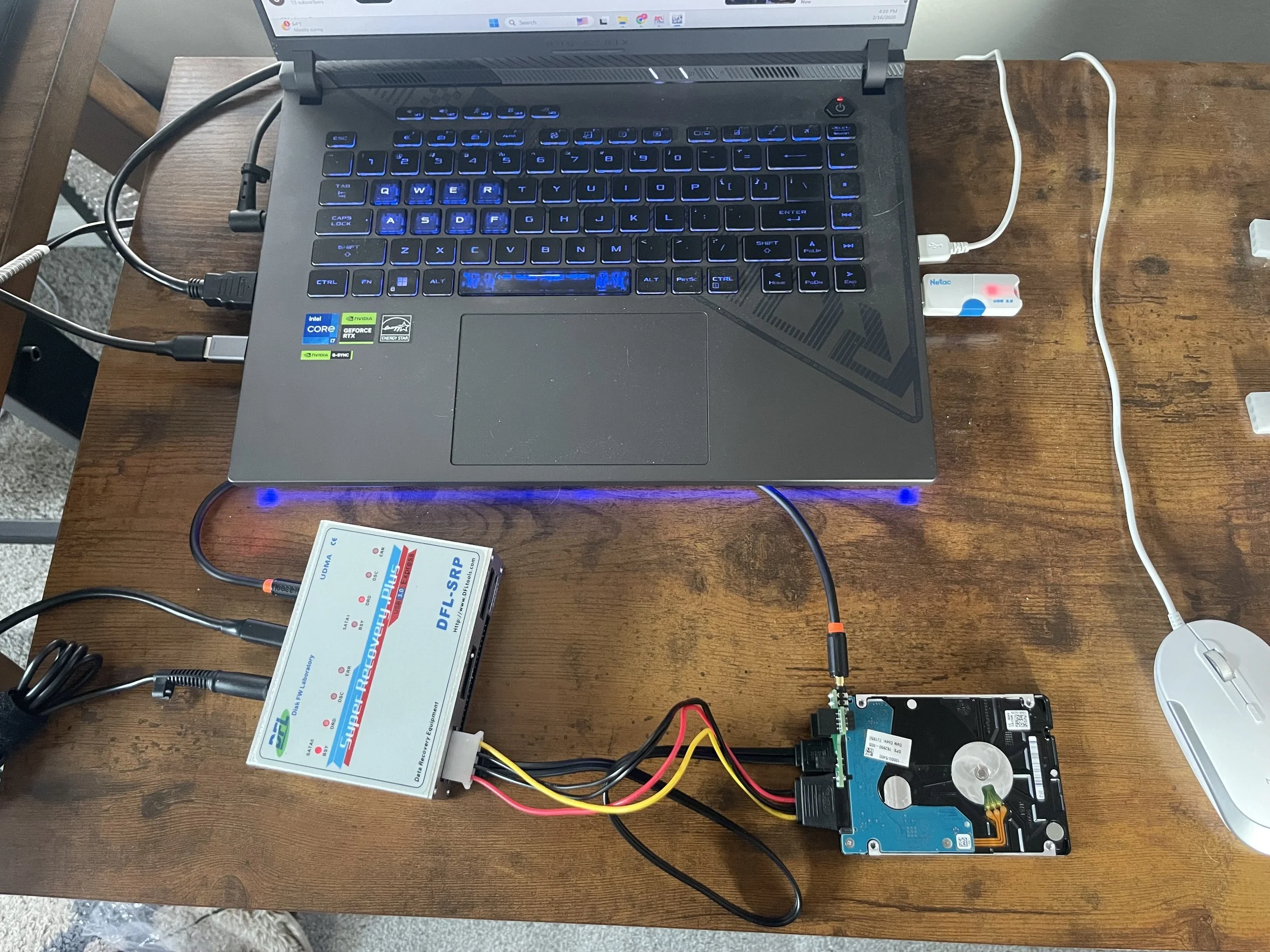
Client's 1TB laptop drive powered on just fine - no clicking, no grinding, sounded perfectly healthy. But plug it into any computer and it showed up as 0 bytes. Like the data just vanished.
Spoiler: it didn't. The data was all still there. The drive's firmware had lost track of where everything was stored. After some work with specialized repair hardware and the drive's built-in diagnostic terminal, I rebuilt the internal mapping and got the client's files back.
Wrote up the full walkthrough as a case study, below if you're into that sort of thing. And if you or your clients have "dead" drives collecting dust, there's a good chance they're not as dead as you think. Reach out anytime.
"It's been in my closet for 11 years. Can you still get my data?"
That's what a client asked me last week about his 2013 MacBook Pro.
The backstory: Mac wouldn't boot. Apple Store said motherboard replacement needed. Too expensive, so into the closet it went. Life moved on. Until he remembered the family photos and work files he never backed up.
Could I recover data from a drive that had been sitting dormant for over a decade?
Turns out: yes. The drive fought back with read errors, but forensic imaging tools are designed for exactly this scenario. After working through the errors systematically, I recovered everything - complete image, all data intact.
I recorded the whole process if you're curious how we tackle drives that seem beyond hope. Video linked in comments.
Bottom line: "Dead" doesn't always mean dead when it comes to data recovery. If you've got an old device with irreplaceable files, it's worth a conversation before you assume it's gone forever.
In this video, I show you the complete forensic imaging process using the Atola Insight with MacBook module over FireWire connection.